Bible Study
Read Scripture in available languages and translations. Keep your notes, highlights, and saved passages close to your reading.
Open Bible Aatmik Studio
AATMIK STUDIO • FOR CHURCH AND EVERYDAY FAITH
Study Scripture, prepare worship, present with confidence, and stay connected with your church—all in Aatmik Studio.
View all downloads →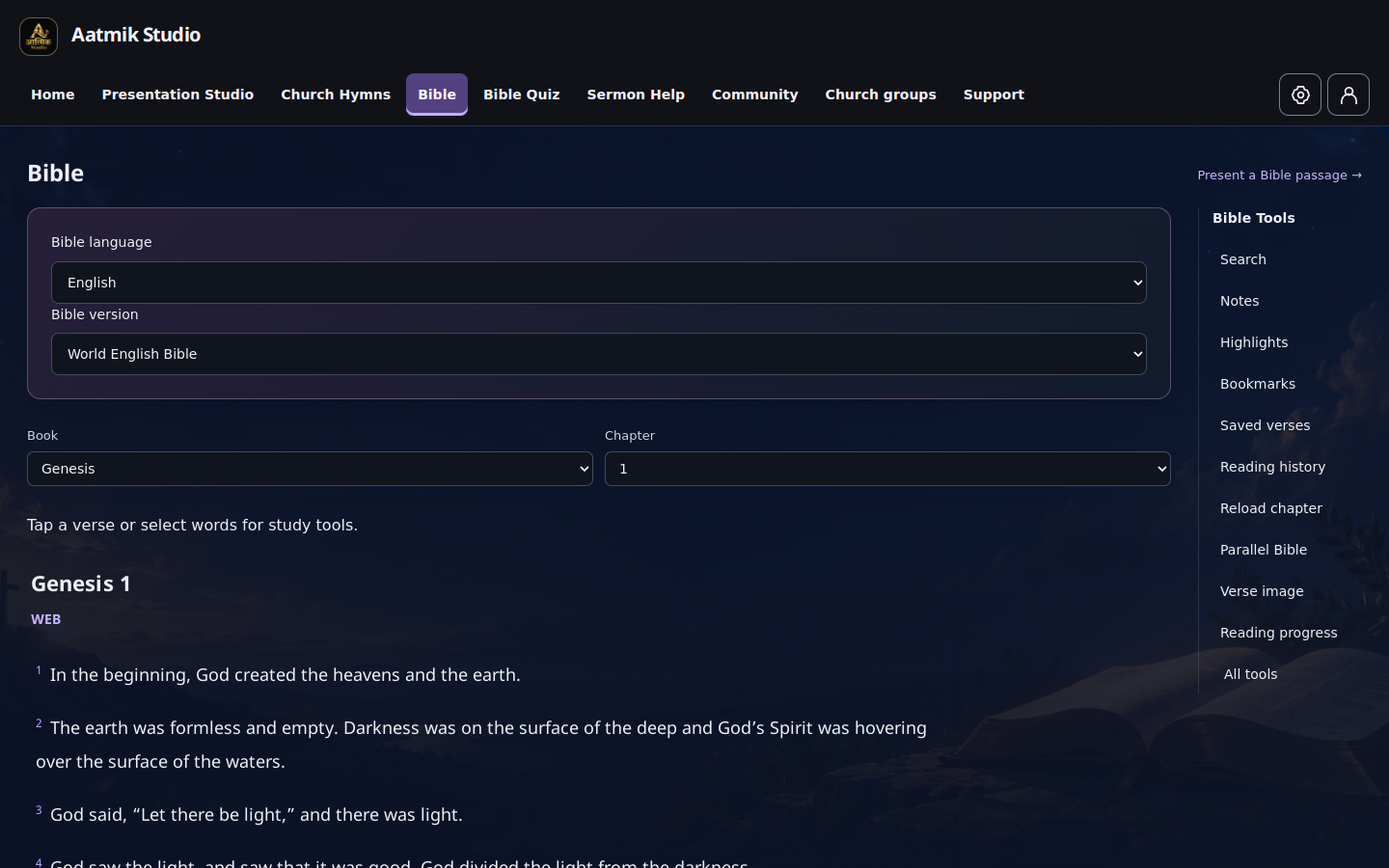
Scripture at the center. Your study tools close at hand.
Worship. Study. Present. Connect.
ONE PLACE. EVERY PART OF CHURCH LIFE.
Helpful tools for your personal study, worship preparation, and church community—in one place.
Read Scripture in available languages and translations. Keep your notes, highlights, and saved passages close to your reading.
Open BibleFind songs, organize worship sets, and prepare lyrics for your service.
Explore hymnsBring Scripture and worship lyrics to the screen for your congregation.
Open StudioStay connected through church groups, announcements, and shared encouragement.
AT HOME ON YOUR COMPUTER
Bring Aatmik Studio to your computer and keep your study, worship, and church tools close at hand.
Loading releases…
Loading releases…
Choose the right version for your computer.
Open the installer and follow the setup instructions.
Open Aatmik Studio and begin with Bible study, worship planning, or your church community.
Whether you are preparing a Sunday service or spending a quiet moment in Scripture, Aatmik Studio brings your faith-centered tools together.
On Windows, choose x64 for Intel or AMD computers, or ARM64 for Snapdragon and other ARM computers. On Mac, open Apple menu → About This Mac. An Apple M-series chip uses Apple Silicon; an Intel processor uses Intel. You can always change the choice on the download page.
Yes. Choose Open Web App to use the existing application in your browser, without installing the desktop software.
Open Web App →You can download the app and browse public Bible and hymn content without an account. Sign in to participate in Community, access your private groups, and sync personal study notes and worship sets across your signed-in devices.
An internet connection is needed to open the desktop application, load online content, use Community, and sync account data. Some permitted Bible translations can be downloaded within the app, but this does not make the entire application available offline.
Visit Support for help. Keep your device’s security protection enabled. A Windows download-reputation warning is different from a malware detection or an invalid digital signature. If a file is flagged for malware or its signature is invalid, do not run it; contact support.
Contact support →